




Discover Aurora Pro
Experience Brilliance Beyond Measure


Tri-Color Laser Engine
Where Color Comes to Life
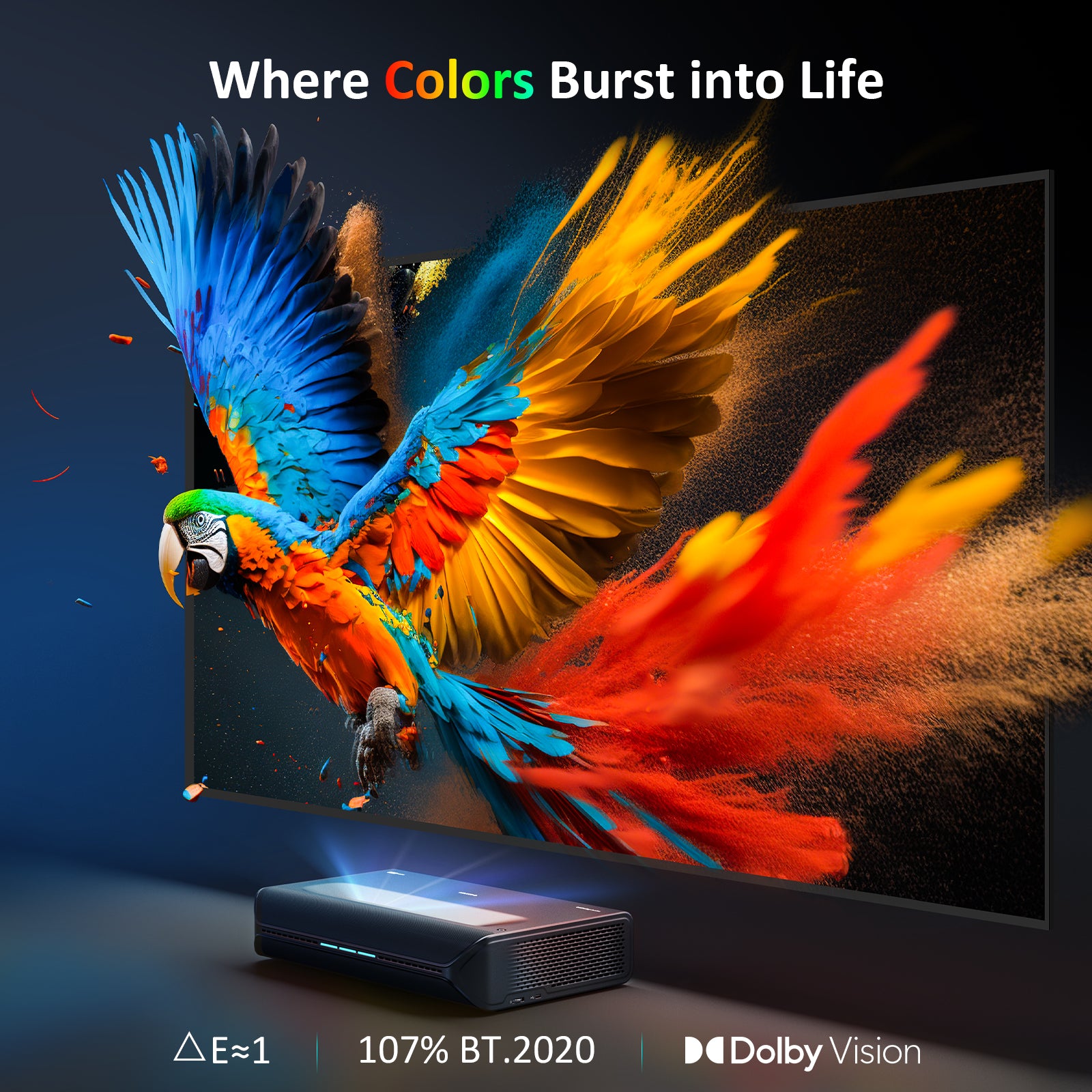
Our projector boasts a tri-color laser engine that reproduces over 1 billion colors, covering an impressive 107% BT.2020 extra wide color gamut. Welcome to the future of home theater, with true cinematic colors that bring every scene to life.
How Aurora Pro Achieves True-to-Life Colors

Dolby Vision Ready & HDR10+
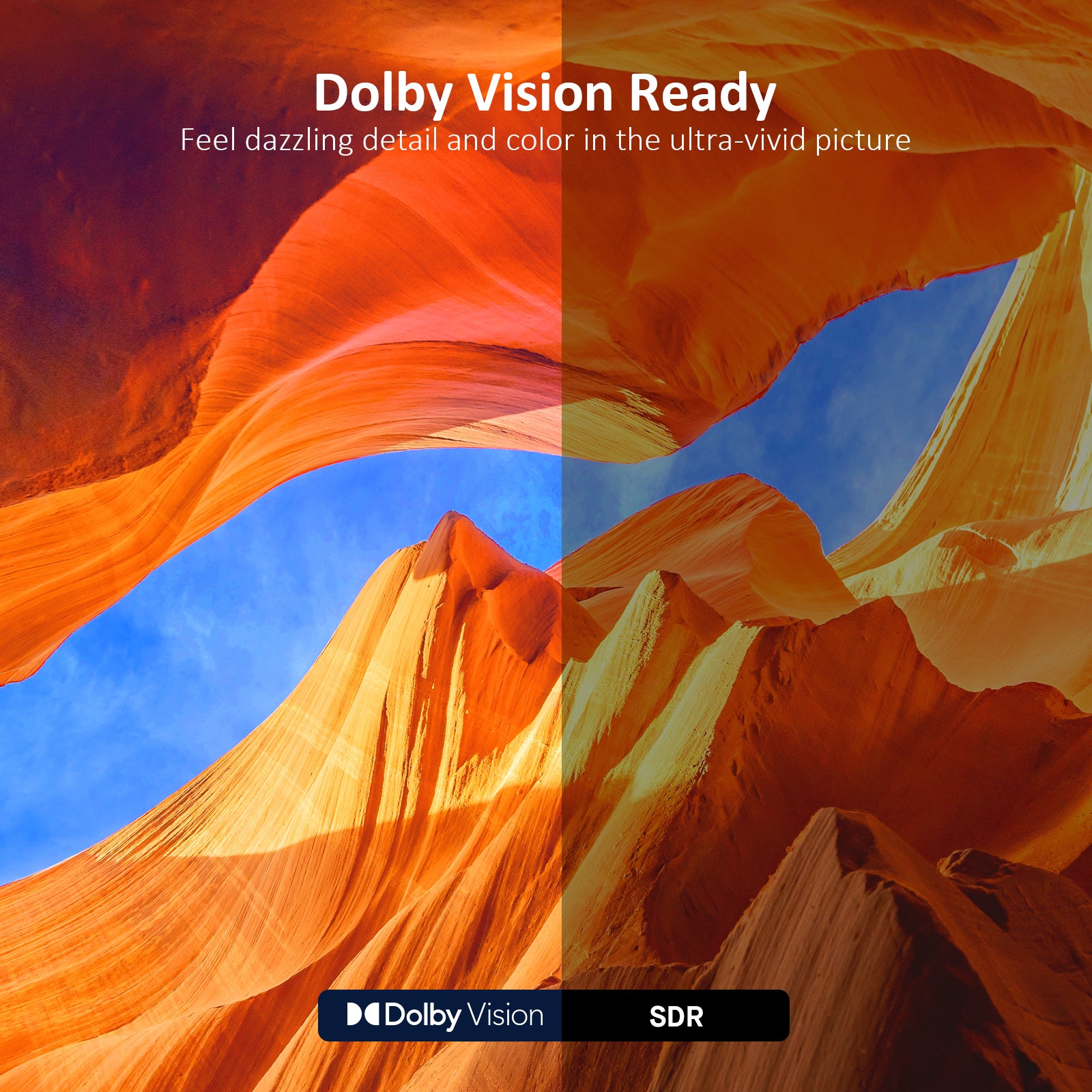
Experience breathtaking detail, vibrant colors, and enhanced contrast with Dolby Vision and HDR10+ support, ensuring your movies and shows are displayed just as the creators intended.

Super Wide Color Gamut
Immerse yourself in a cinematic 4K Ultra HD experience with a 107% BT.2020 color gamut, delivering vibrant visuals and enhanced contrast for an exceptional viewing experience.

Professional Color Accuracy
Enjoy precise color accuracy △E≈1 right out of the box with professional factory calibration. Customize the calibration to match your personal preferences and elevate your viewing to the next level.
*Note: △E≈1 data is from NexiGo Lab, with results varying based on measuring equipment and test conditions. We also offer personalized online customer support (contact cs@nexigo.com) for one-on-one color calibration assistance.

Enhanced Visuals with a Screen
Maximize your laser TV's potential by pairing it with the NexiGo Fresnel Ambient Light Rejecting (ALR) screen. Pre-calibrated for both white walls and ALR screens, the Aurora Pro guarantees exceptional color accuracy for any environment, right from the start.


Dolby Vision Ready & HDR10+
Experience breathtaking detail, vibrant color, and enhanced contrast with Dolby Vision and HDR10+ support.
Ultrawide Color Gamut
Immerse yourself in true-to-life color with a 107% BT.2020 color gamut. This ultrawide color gamut ensures vibrant visuals with enhanced contrast for the best possible viewing experience.
Professional Color Accuracy
Enjoy precise color accuracy △E≈1 right out of the box with professional factory calibration.
*Note: △E≈1 measurement results come from NexiGo Lab. Results may vary based on measuring equipment and testing conditions. We offer personalized online customer support (contact cs@nexigo.com) for one-on-one color calibration assistance.
Enhanced Visuals with a Screen
Maximize the potential of your projector by pairing it with the NexiGo Fresnel Ambient Light Rejecting (ALR) screen.
Dynamic Laser Dimming
Contrast Like Never Before
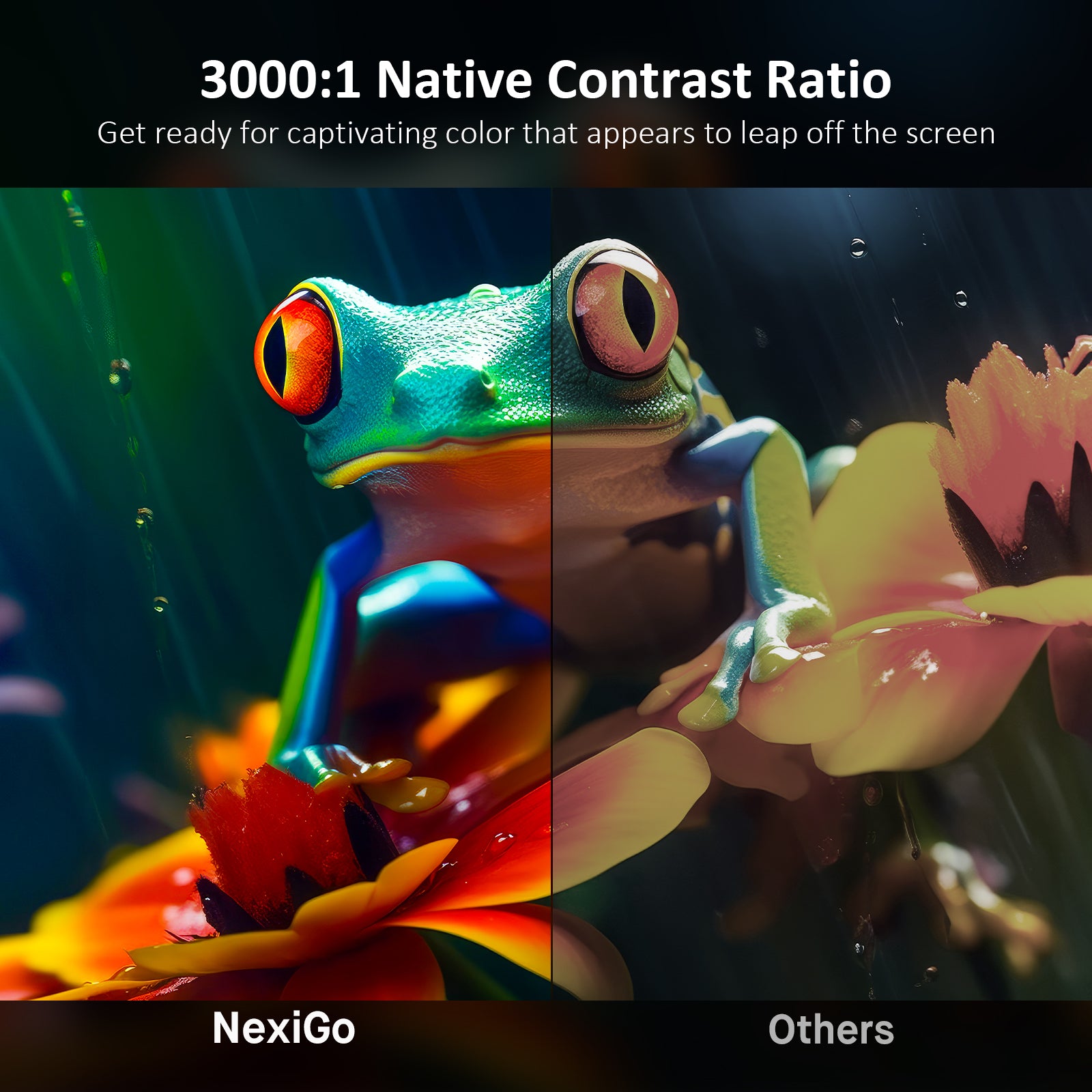
Once you experience the Aurora Pro and its deepest blacks, richest colors, and brightest highlights, there’s no turning back. Our advanced dynamic laser dimming brings unparalleled contrast, making every scene vibrant and lifelike while saving energy.


#1 Dark Room View Ranking
Unmatched Dark Room Performance
In a light-controlled setting, the Aurora Pro produces stunning detail with deep contrast for an unparalleled experience.


Dark Room Performance Comparison
Note: Test image are borrowed from The Hook Up.
Others
Aurora Pro


Super Smooth Motion
Seamless Entertainment
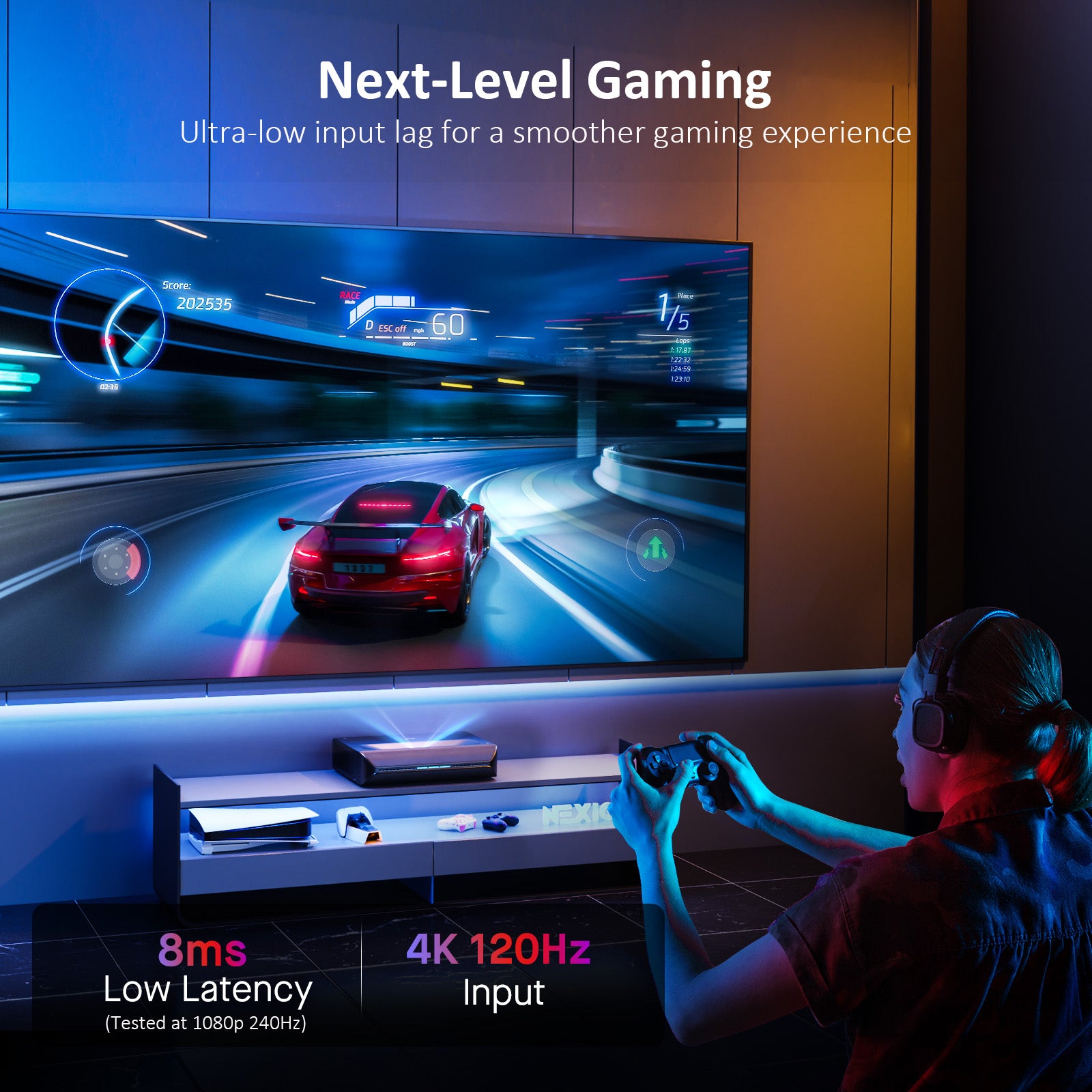
Enjoy 8 ms low latency for responsive gaming, MEMC technology for smooth motion, and Wi-Fi 6 for lightning-fast connectivity.
8 ms Latency
Host the ultimate game night with low-latency gaming on a supersized screen.
Cinematic Audio Unleashed
Dolby Atmos, Pure Sonic Bliss
Immerse yourself in rich audio with built-in 60 W speakers and Dolby Atmos support.
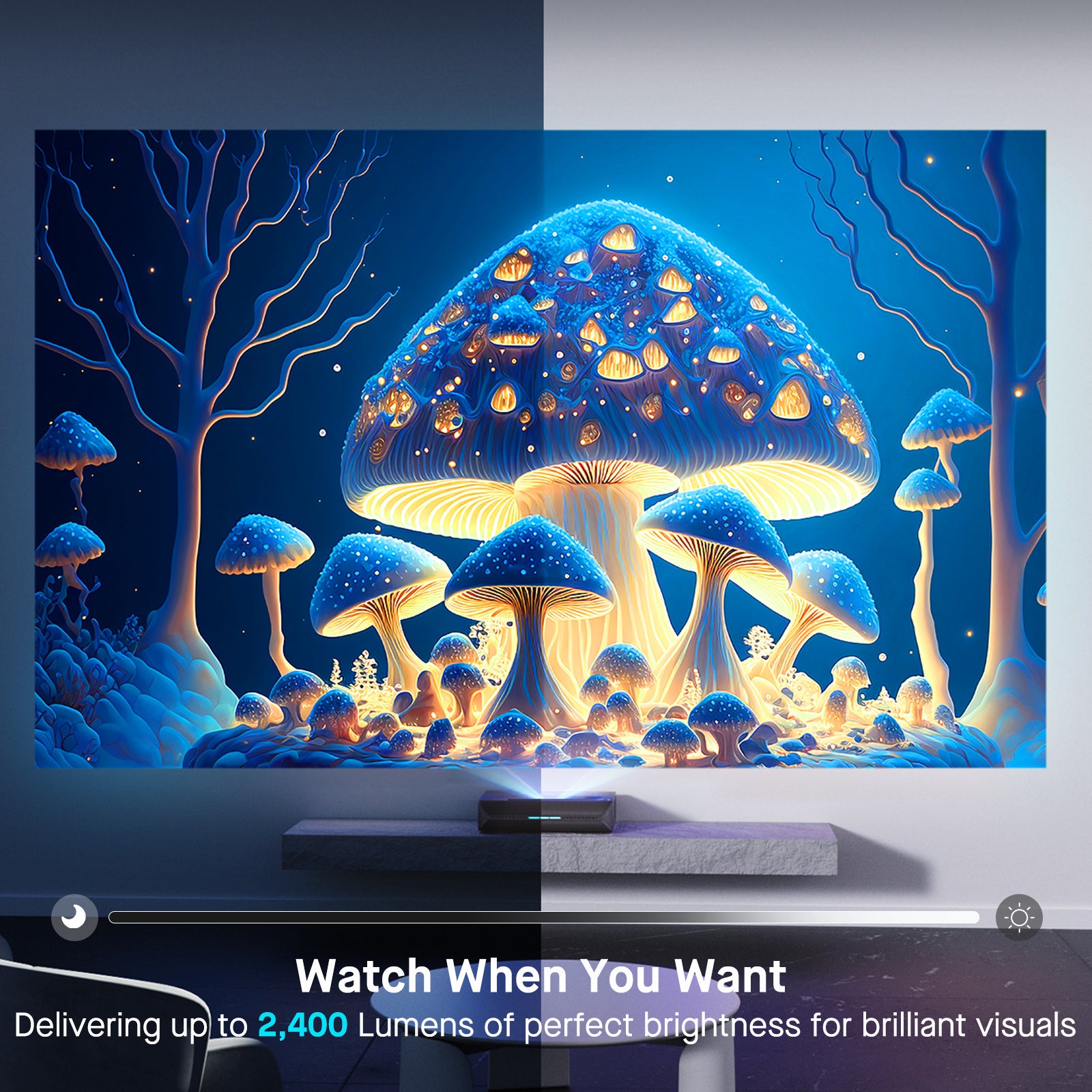
Watch When You Want
Stunning Visuals, Day or Night
Delivering up to 2,400 Lumens for brilliant visuals in any lighting environment
Image Settings Menu
Customizable Display Modes
The Aurora Pro features multiple preset image modes that are tailored for your needs. Each preset mode (Cinema, Gaming, Bright, Custom) can be individually adjusted.


Cinema Mode
Lifelike colors for a cinematic experience

Bright Mode
Maximum brightness for crystal-clear visuals in bright rooms

Gaming Mode
Ultra-low latency for seamless gaming

Custom Mode
Tailor your display settings to your exact preferences

Each preset mode (Cinema, Gaming, Bright) can be individually adjusted.
Cinema Mode
Lifelike colors for a cinematic experience
Bright Mode
Maximum brightness for crystal-clear visuals in bright rooms
Gaming Mode
Ultra-low latency for seamless gaming
Custom Mode
Tailor your display settings to your exact preferences
Explore More on
The World's Most Advanced Laser TV

Space-Saving Design
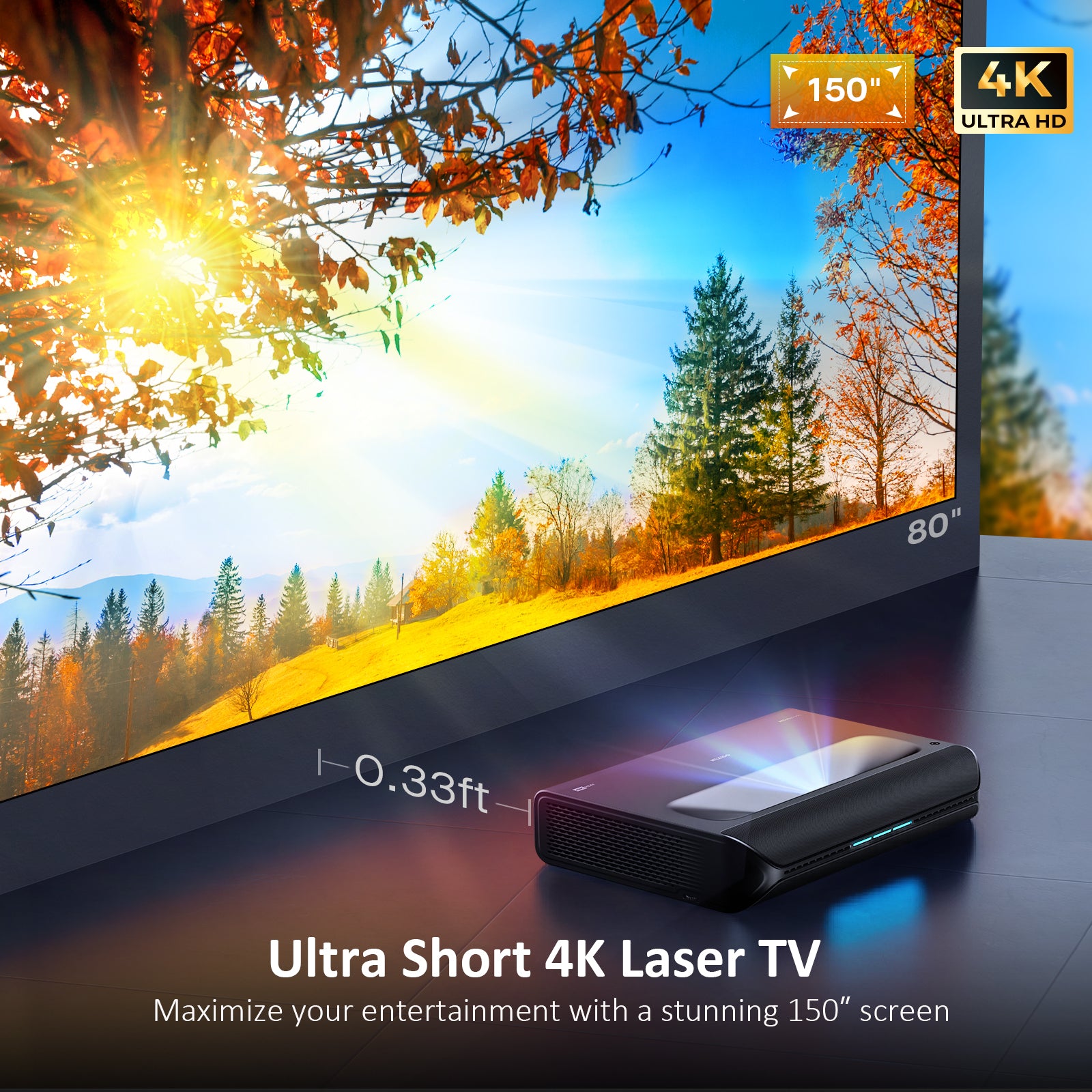
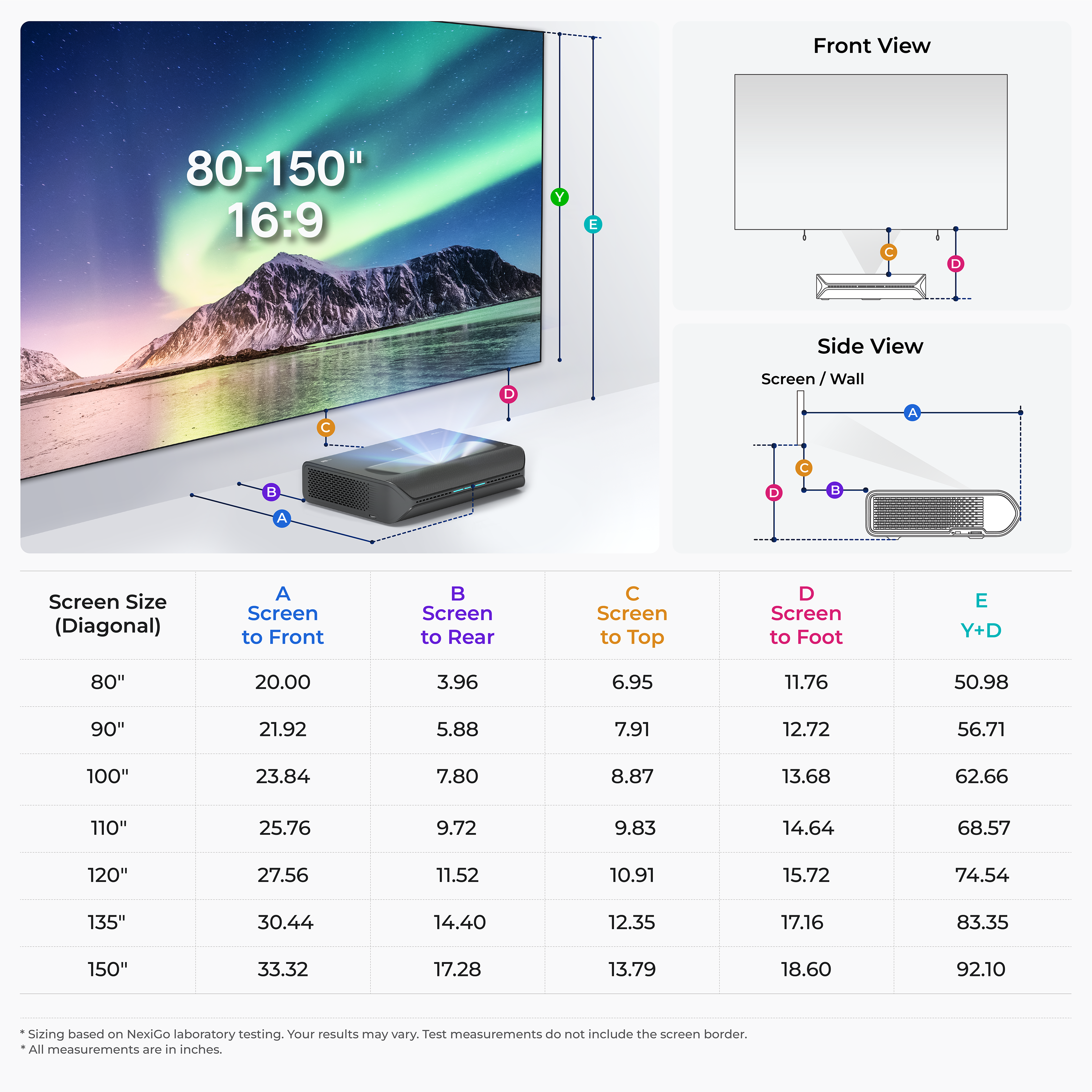
With an outstanding 0.233:1 throw ratio, this ultra-short throw projector is perfect for rooms of all sizes. It displays a stunning 150" display from just 1.44 ft away.


Comparison of
Aurora Pro & Aurora Lite


| Model | Aurora Pro | Aurora Lite |
|---|---|---|
| Resolution | 4K (3840 x 2160) | |
| Projection Tech | RGB Plus Tri-color Laser | |
| Lumens | 2400 | 1900 | Lamp Life | 25000 | 30000 |
| Color Gamut | 107% BT.2020 | |
| Color Accuracy | △E≈1 | |
| FoFo Contrast Ratio | 3000:1 | |
| Dynamic Laser Dimming Contrast | 6000:1 | |
| Video Format | Dolby Vision / HDR10+ / HDR10 / HLG | |
| Latency | 8ms | |
| Speaker | 60W | |
| Audio Format | Dolby Atmos / DTS HD | |
| 3D | Yes | |
| MEMC | Yes | |
| 24P/50P Mode | Yes | |
| Projection Size | 80" to 150" | |
My Wishlist
Loding your saved items
What the Experts Say
"Aurora Pro is amazing, I'd also expected to like the Aurora Lite since it has all the same features and the same excellent contrast as the Aurora Pro, but I thought that the lower brightness had a significant effect on the ability to make the highlight pop and even that its discounted price."

The Hook Up
495K Subscribers
"4K projectors are a great avenue to explore if you are looking for a large display but don't have the budget for those expensive 100-inch TVs. Luckily for you, the new Aurora Pro Projector from NexiGo will satisfy your needs with its 4K image and HDMI 2.1 inputs."

ShortCircuit
2.20M Subscribers
"That’s particularly impressive on a 120" projection screen for watching movies at home or even hosting a neighborhood movie night in your yard. It’s hard to argue with the picture quality that comes out of this."

Craft Computing
323K Subscribers
"I am objective and I do like to look at things in detail and try and do side-by-side comparisons and I'm happy to tell you TVs are much better for black levels no projector is ever going to get the level of black of a TV however this one comes really close and if you've got an ALR screen then even closer."

Paul Hibbert (Hibbert Home Tech)
240K Subscribers
"If your budget is under $10,000, I really don't think you're going to find anything better than the NexiGo when it comes to Black levels contrast, and color, especially in a room that isn't completely blacked out."
The Hook Up
495K Subscribers
"I have always wanted an awesome home theater experience. Well, my friends today, it is finally happening with this NexiGo Aurora PJ92 projector."

iJustine
7.11M Subscribers
Customer Reviews

A great UST projector
This projector will turn your home into a theater. If that is the experience you are after, then I would highly recommend it!

Amazing Picture
Amazing picture quality and color accuracy. I'm not a fan of those really vivid UHD tones and prefer a much more natural film look.

Game Changer - Can Use in Daylight
We have ours set up in our game room and watched football during Thanksgiving day. It has amazing picture quality and can be used in the daytime / daylight with the lights on.

New Technology At It's Very Best
I really can't recommend this projector enough, just make the room for a quality screen and then never look back to using a standard TV again.

Rediscovered Movie Nights
Very easy setup and the 100 inch Aurora fresnel screen was an excellent addition to the setup (at a very good value considering the quality).

JUST BUY IT!
It's amazing. Bright as heck. Clarity is amazing. Easy projector setup.
A great UST projector
This projector will turn your home into a theater. If that is the experience you are after, then I would highly recommend it!
Amazing Picture
Amazing picture quality and color accuracy. I'm not a fan of those really vivid UHD tones and prefer a much more natural film look.
Game Changer - Can Use in Daylight
We have ours set up in our game room and watched football during Thanksgiving day. It has amazing picture quality and can be used in the daytime / daylight with the lights on.
New Technology At It's Very Best
I really can't recommend this projector enough, just make the room for a quality screen and then never look back to using a standard TV again.
Rediscovered Movie Nights
Very easy setup and the 100 inch Aurora fresnel screen was an excellent addition to the setup (at a very good value considering the quality).
JUST BUY IT!
It's amazing. Bright as heck. Clarity is amazing. Easy projector setup.

New Technology At It's Very Best
I really can't recommend this projector enough, just make the room for a quality screen and then never look back to using a standard TV again.

Great Projector with Vibrant Image Quality
The image quality is excellent, with vibrant colors and sharp details that make movie nights and presentations a joy.

Amazing Image Quality
I absolutley love the picture quality and color tones.

Excellent Image Quality
Aurora Pro is a fantastic projector for the price. It offers great value with its high-quality image and ease of use.

The picture is good out of the box
The NexiGo Aurora Pro is a great projector that provides a beautiful large image. Movies, games, and shows are impressive.

Amazing and color accuracy
Amazing picture quality and color accuracy.
New Technology At It's Very Best
I really can't recommend this projector enough, just make the room for a quality screen and then never look back to using a standard TV again.
Great Projector with Vibrant Image Quality
The image quality is excellent, with vibrant colors and sharp details that make movie nights and presentations a joy.
Amazing Image Quality
I absolutley love the picture quality and color tones.
Excellent Image Quality
Aurora Pro is a fantastic projector for the price. It offers great value with its high-quality image and ease of use.
The picture is good out of the box
The NexiGo Aurora Pro is a great projector that provides a beautiful large image. Movies, games, and shows are impressive.


