








What the Experts Say


Deepest Blacks, Minimal Rainbow Effect — @Shane Lee
“And I would have to say that this has the best blacks of any ultra short throw that I've tried this year. I think it falls short compared to the L*Q for that bright HDR wow factor since that one is technically a brighter projector. But for some folks, I could see that having better contrast for a more accurate image could be more important than sheer brightness. Not that the L*Q was bad, it's just that the NexiGo did have better blacks.
Another really big thing I noticed, or rather didn't notice, was how good this handled the rainbow effect. Without having a dedicated RBE setting like the ** Max, I barely saw any rainbows and I'm pretty sensitive to seeing it.”


What Our Customers Say
Excellent black level
“In dark and low-APL scenes, I feel that the higher native contrast of the MKII generally results in a perceived brighter image overall, with more pronounced highlights.
When EBL kicks in, the black level is excellent. When I watch the Pro2 on its own, I usually don't notice the lack of contrast—though there are moments when it struggles. However, when comparing it side by side with the MKII, the differences are noticeable.”
User @vanilla.us


Aurora Pro MKII on the left
Have not noticed any speckle or RBE
“I have not noticed any speckle on my white 1.3 gain screen with the MKII which is one of my top gripes with Pro 2. Another one is rbe, and again none so far even in 3d and watching the same scenes that were rife with rbe on the Pro 2.
3d seems to not lose as much brightness as on the Pro 2. Or it could be the lack of rbe/speckle or a combination. Although MEMC doesn't work in 3d mode, I feel like the motion is more smooth than on the Pro 2. I so far have no desire to jump through hoops to get 60fps 1080p 3d going like I do with the Pro 2.”
User @ryudoadema

Uniform sharpness across the entire image
“Focus is a major leap forward. Not just in the corners, but I noticed more uniform sharpness across the entire imagine. However some of that could be attributed to :A significant reduction in laser speckle compared to the T1. Overall it gives the perception of a much cleaner image and more film like. Laser speckle on the T1 didn't bother me, but now that I have seen an ALPD 5.0 unit it would be very difficult to go back.
Black floor is noticeably better than my T1, and it blows it away in low light scenes with SAE enabled. I saw some minor black level clipping but it's a small price to pay for an image that has a much higher perceived contrast and wow factor.”
User @DeanM3


Aurora Pro MKII on the left
Can't feel any input lag at all!
“Played around with gaming mode and low latency mode tonight. It works great! Can't feel any input lag at all. Picture looks phenomenal. Going to have to try some family Mario Kart on the giant screen.”
User @kmfisher

Immersive 3D viewing experience
“Incredible image. I put on Ready Player One and Jurassic Park, both so immersive, I seem to remember more discomfort with 3d at the theatre. I'll be starting a 3D collection from now on that's for sure.”
User @gomar

So happy with my first setup
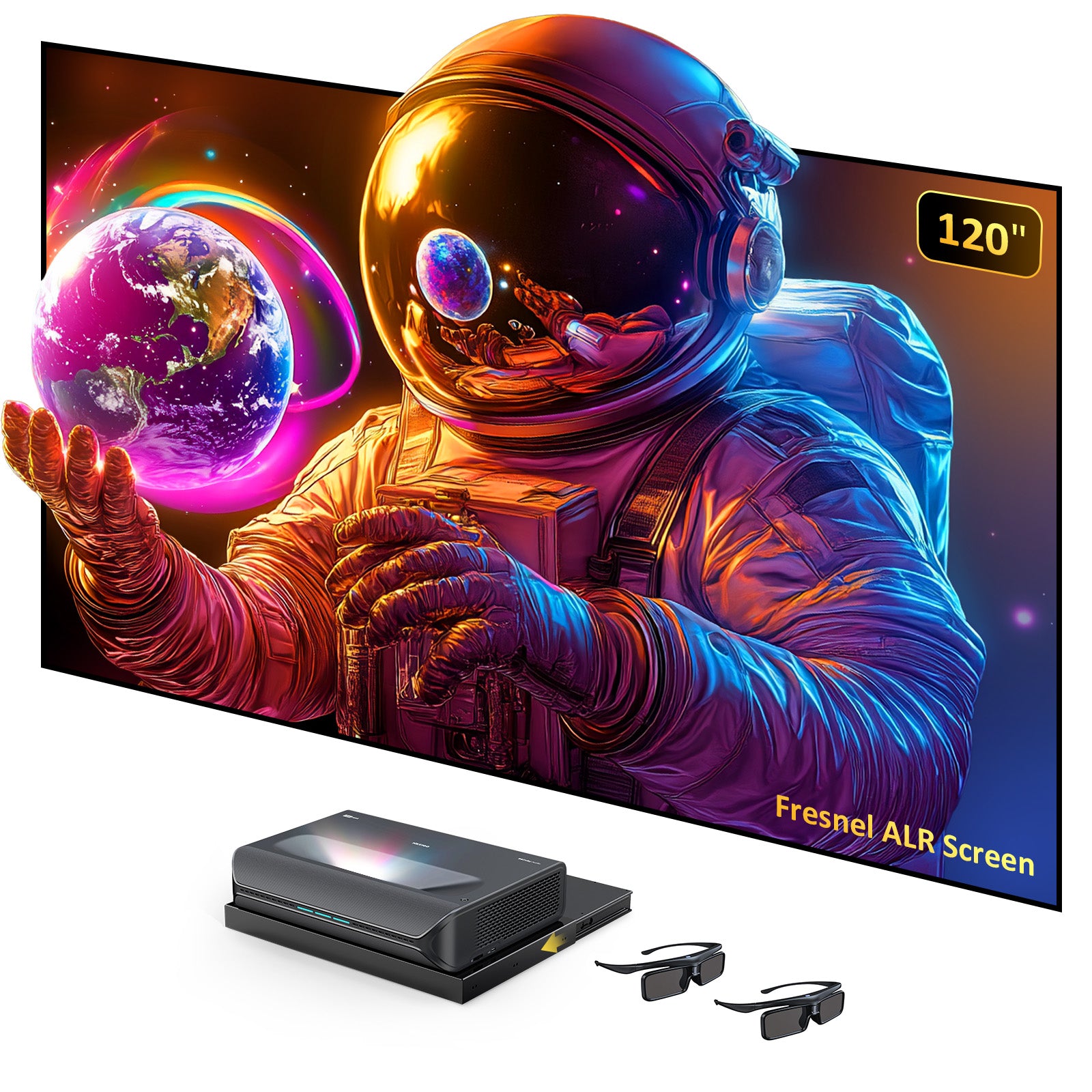
“So happy with my first setup. Nothing 120 inch Black Series with the Aurora Pro MKII in my basement. Still tinkering a bit with the settings. I have to pinch myself looking at it.”
User @alundra

It exceeds my expectations !
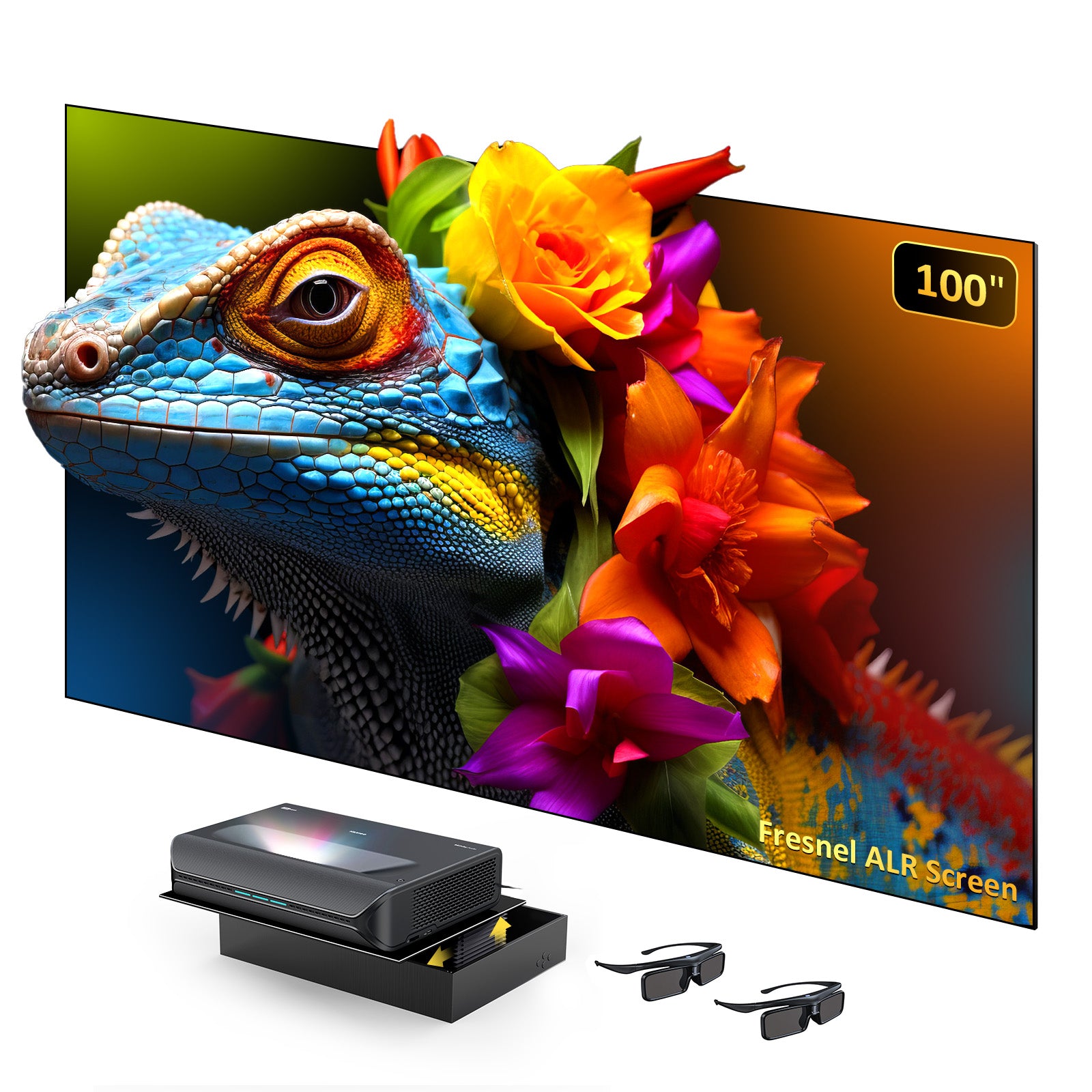
“Took awhile to align perfectly with the fresnel screen, but I have to say, it exceeds my expectations! Didn't update the firmware yet, I'll just get used to the current version and then maybe notice the improvements. But from what I've seen so far ... excellent ! The NexiGo Aurora Pro MKII combined with the 100" Fresnel screen is WAY better than my 75" TV! ”
User @ realHcD

Sharp image
“This is on a 120inch screen, looks sharper in reality”
User @dragn09

Super happy with purchase!
“Got it yesterday and finally all set up... Super happy with purchase”
User @Steelbooker

First impressions of the NexiGo Aurora MKII
“MKII is not just another UST projector, its incredible native contrast and unbelievably deep black levels for a DLP projector, the groundbreaking and promising Scene Adapt Engine (SAE).
MKII goes beyond the DLP category, challenging Epson's LCD and JVC D-ILA models in terms of dynamic range and contrast performance, while retaining all the DLP advantages. Although its color accuracy is far from perfect, it impresses with its natural color reproduction, lack of distracting laser speckle and chromatic aberration, while at the same time delivering razor-sharp image that even long throw projectors with premium lenses would be jealous of.”
User Nikos@projectorjunkies

KING of dark room UST projection
“I can tell you this is now the KING of dark room UST projection. The BLACK Levels using SAE Dynamic Iris Bright mode is INCREDIBLE…I can barely see the black bars in some of my tests of specific movie scenes.
HDR10 and HDR10+ (much more accurate colors than original AP)
No more black crush with Dolby Vision (min luminance has been fixed)
Blacks are WAY better than any UST I've ever seen..including the PX3-Pro.”
User @AVBaller

I'd tested it thoroughly before giving an opinion
“Focus: The focus uniformity on my unit is superb. A razor sharp image everywhere including the 4 corners. I'm extremely impressed.
Native Contrast and Black Floor: The MKII has the lower black floor and it's hard to describe but the image just looks richer. With SAE engaged, it's not even a contest.
With NexiGo continually working on improvements, I can only see it getting even better. Hopefully they'll be able to perfect the SAE system and if so, I don't see any UST beating the MKII in a dark room for a long time.”
User @gmoore23


Dune: Part Two
🔥 Well done, NexiGo! 🔥
“After extensive 3D testing/tweaking, we may have a new KING of 3D… The colors, shadow details, and 3D motion are outstanding. This is the best 3D projection I’ve seen. Tested with Avatar 2 and Gravity, and the results speak for themselves.
Here are a few Avatar 2 shots taken through the 3D glasses. Pictures can’t truly capture the MKII’s 3D magic. 3D fans will be very happy with this projector.”
User @AVBaller

Avatar 2
Discover Aurora Pro MKII
Next-Level Contrast. Next-Level Aurora Pro.


Content-Aware Enhancement
Scene Adapt Engine (SAE)*
Breathes life into every scene with deep blacks, vivid colors, and dynamic laser dimming

The Scene Adapt Engine (SAE) is a next-generation image processing system designed to enhance visual quality through intelligent, real-time frame analysis. Trained on over 50,000 hours of raw movie data, SAE leverages machine learning to understand and predict how scenes evolve, frame by frame.
By combining precise frame-by-frame analysis with predictive algorithms, SAE delivers fast, adaptive image adjustments with minimal visual artifacts. It responds instantly to scene changes, ensuring smooth transitions and consistently optimized picture quality.
SAE is especially effective in dark scenes, applying advanced gamma correction to preserve shadow detail and depth without sacrificing contrast. Its predictive frame generation significantly reduces motion blur and artifacts, resulting in a clearer, more stable viewing experience.
Key Features:
- Real-Time Frame Analysis: Instantly adapts to scene changes for smoother transitions and optimized picture quality.
- Enhanced Dark Scene Performance: Uses intelligent gamma correction to preserve detail and improve contrast in low-light scenes.
- Predictive Motion Processing: Leverages machine learning to anticipate the next frame, reducing blur and enhancing motion clarity.


Next-Gen Laser Engine
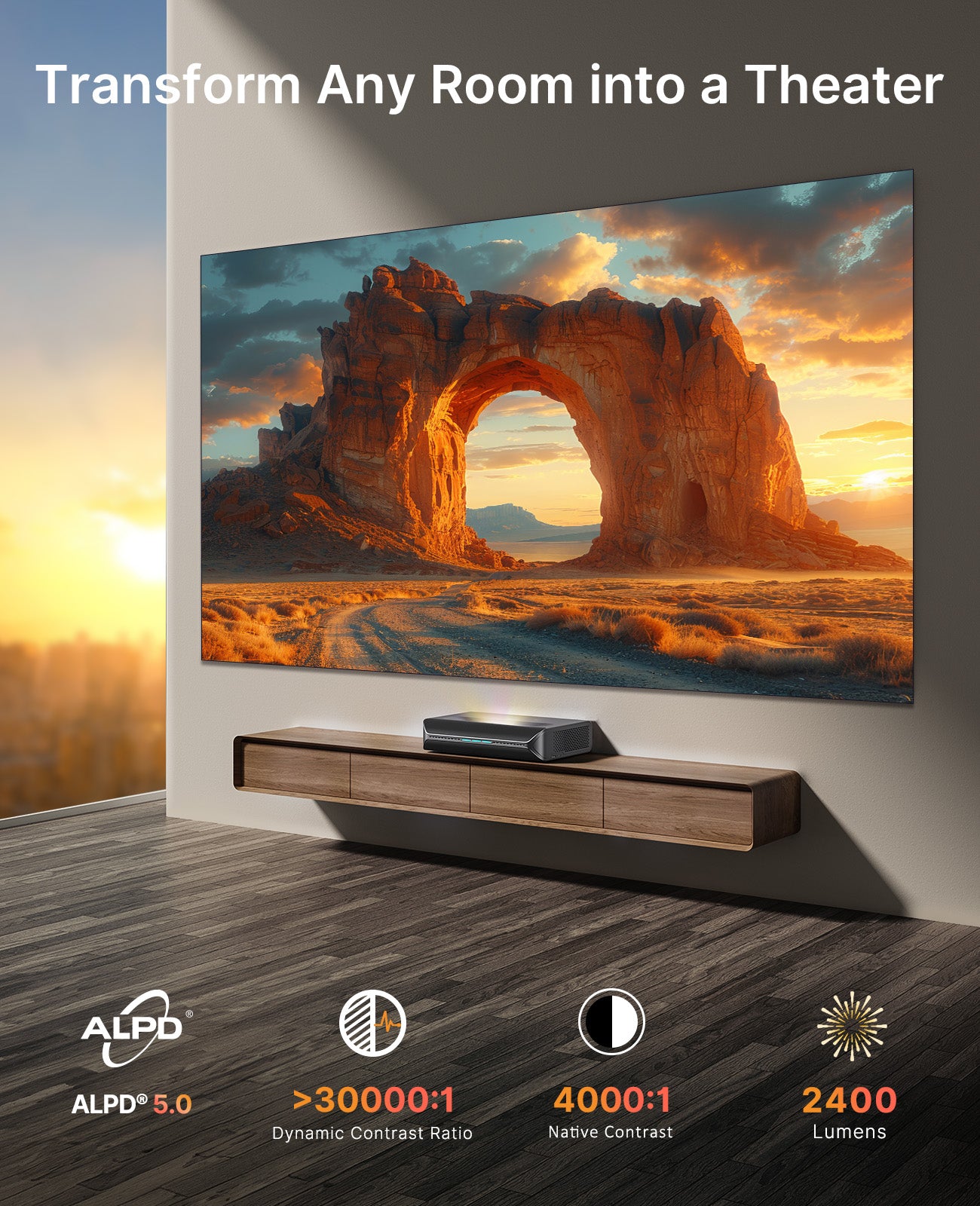
A new, highly efficient laser engine for brighter visuals (2,400 lumens), lifelike color (107% BT.2020, △E≈1), and impressive longevity (30,000 hours)

Dynamic Iris
Responds intelligently to the content on-screen, narrowing the lens for deeper blacks and opening it for brighter highlights

Minimal Space Required
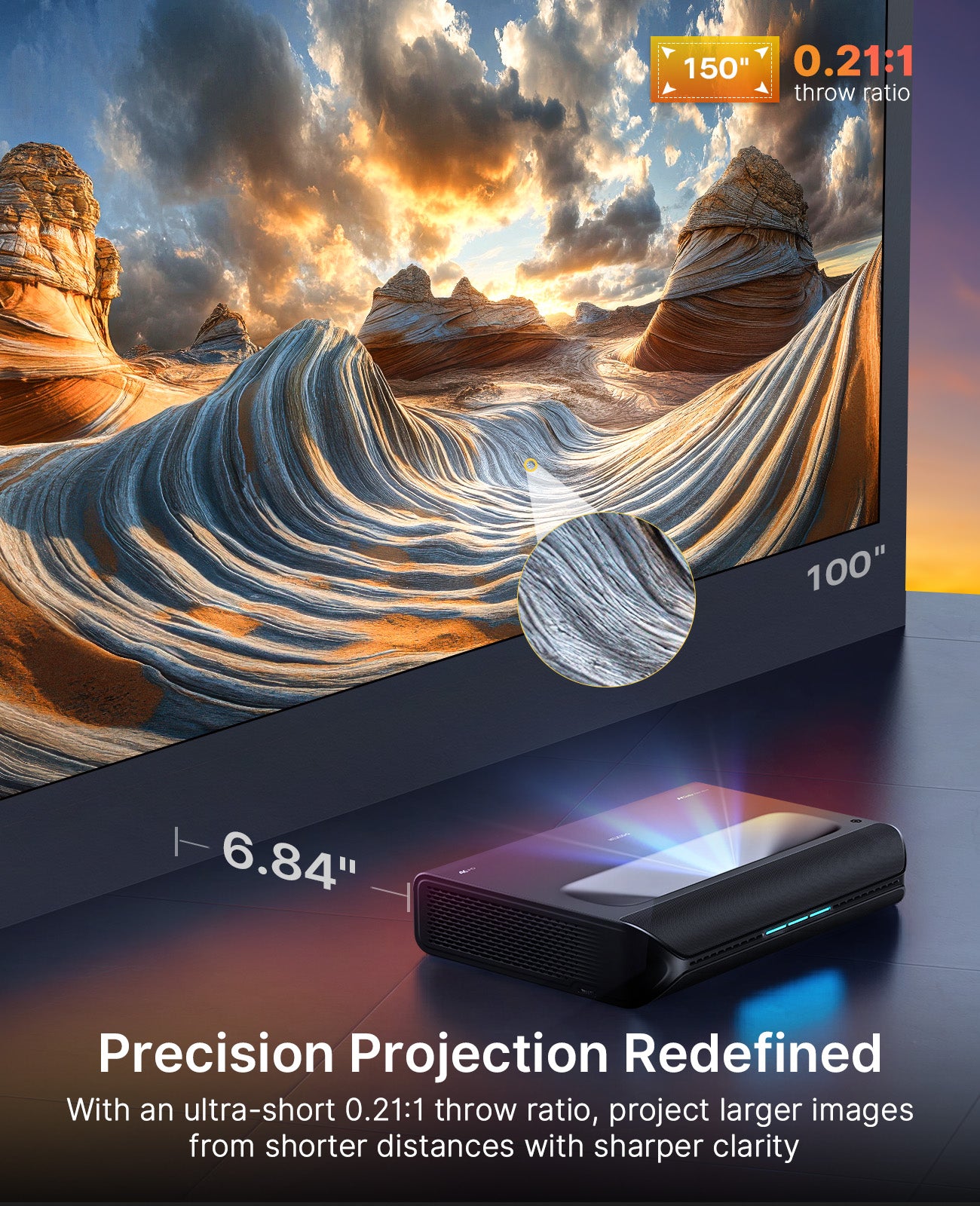
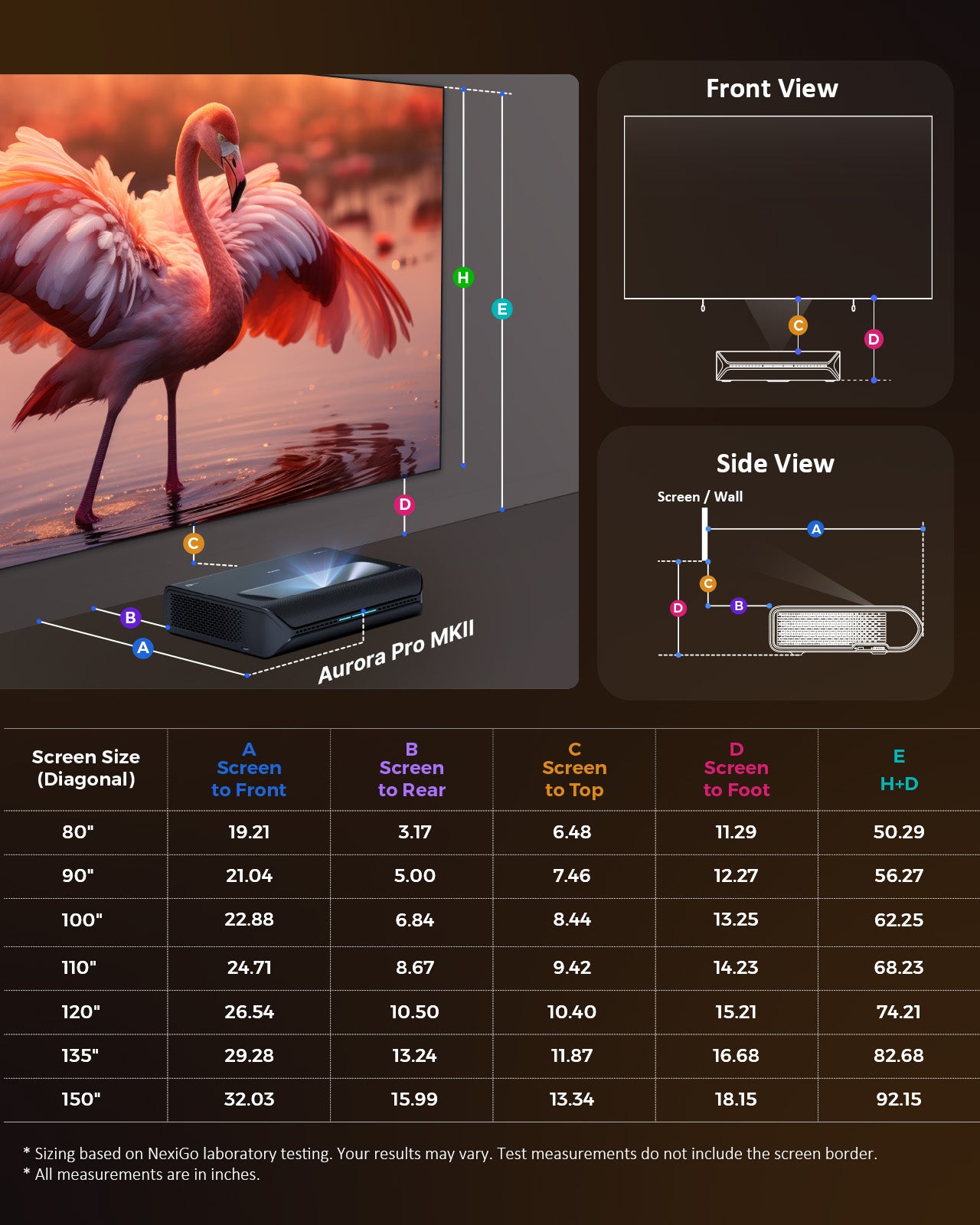
Project a massive 100" image with a ultra-short 6.84" distance from the wall

Crystal Clear at Its Largest Size
Say goodbye to soft corners. MKII delivers sharper, more precise images. With an upgraded 0.21:1 throw ratio, enjoy larger projections from shorter distances with impeccable clarity.
Crystal Clear at Its Largest Size
Say goodbye to soft corners. MKII delivers sharper, more precise images. With an upgraded 0.21:1 throw ratio, enjoy larger projections from shorter distances with impeccable clarity.
Cinema-Grade Virtual Masking
Ultra-Wide Films, No Black Bars
Many films are created in the ultra-wide 2.39:1 Cinemascope format. In fact, it’s the most common aspect ratio used in movie theaters, favored for its epic scale and immersive storytelling. With cinema-grade virtual masking, Aurora Pro MKII presents these films without black bars, bringing true theater-style immersion into your home.


Virtual Masking Off
Noticable black bars when playing 2.39:1 film

Virtual Masking On
Barely noticeable bars, and the film shifts downward
For optimal viewing: Set Virtual Masking to Bottom and use a floor-rising screen (sold separately) to achieve perfect image alignment.
For optimal viewing: Set Virtual Masking to Bottom and use a floor-rising screen (sold separately) to achieve perfect image alignment.
Rainbow Effect Minimized
Low RBE with Treatment from SAE
Based on feedback from thousands of users, our RBE treatment directly from the light source produces visually very low RBE for most people, including in 3D mode.


Comparison Demo
Aurora Pro MKII (Left) VS Aurora Pro (Right)
Please note: The video is for demonstration purposes and may not fully capture the improvements due to the camera's limited dynamic range. However, the difference in shadow details and black levels is striking in person. The Aurora Pro already delivers excellent contrast, which makes these advancements even more impressive. We will release links to additional demos here.
1917
Aurora Pro MKII (Left) VS Aurora Pro (Right)
Spider-Man: No Way Home
Aurora Pro MKII (Left) VS Aurora Pro (Right)
Opening scene from Alien: Romulus
Aurora Pro MKII (Left) VS Aurora Pro (Right)
Vibrant, Cinematic Visuals
Immersive Color & Contrast
Step into a world of immersive color and detail with 4K, Dolby Vision, and HDR10+.


Redefining Cinematic Excellence
Welcome to the future of home theater, with true cinematic colors that bring every scene to life. With Dolby Vision and HDR10+ support, you’ll experience richer blacks, brighter highlights, and more vibrant colors compared to standard HDR formats.

True-to-Life Visual Precision
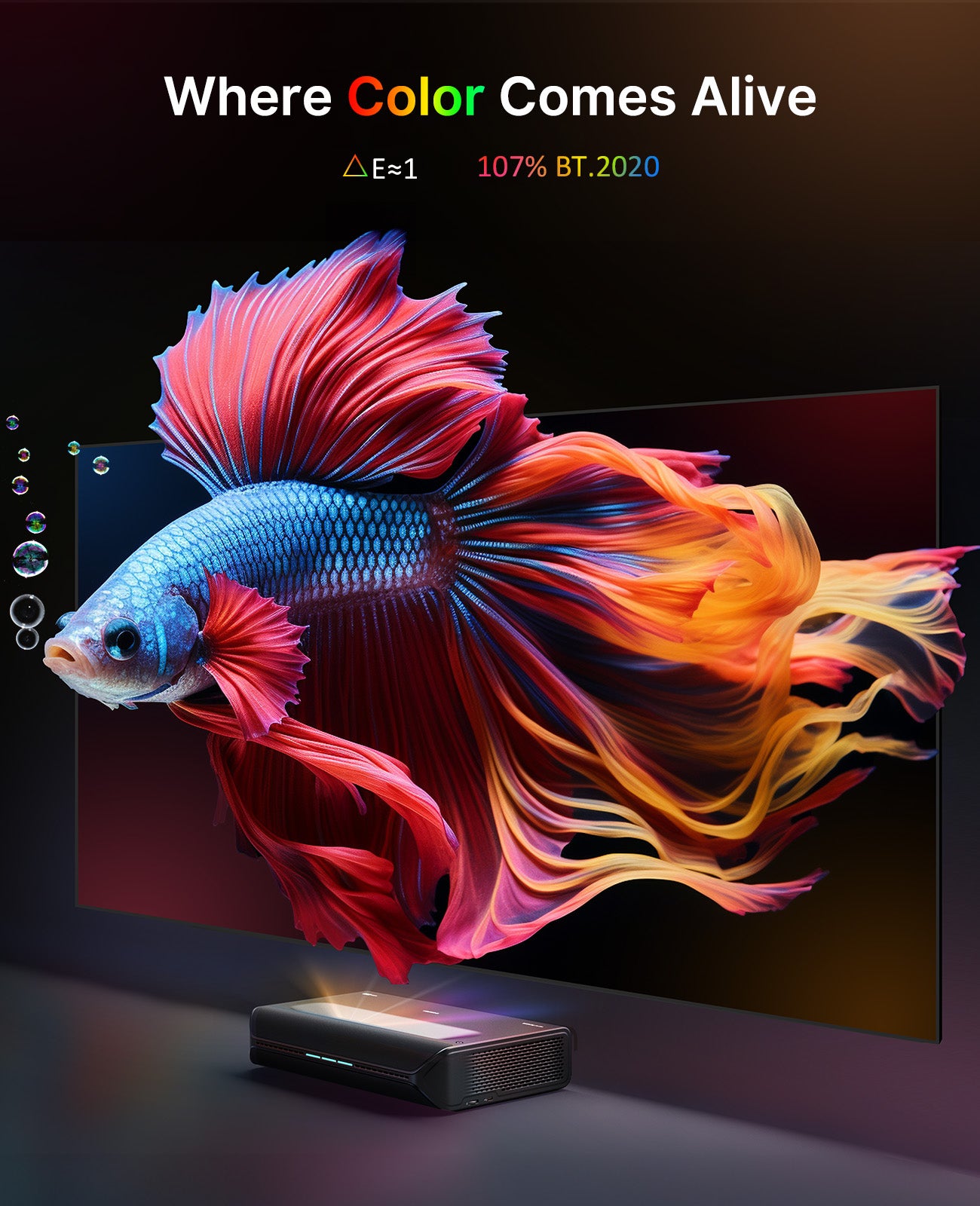
Immerse yourself in true-to-life color with a 107% BT.2020 color gamut. Compared to the standard Rec.709, our 107% BT.2020 creates deeper, richer colors. This enhanced range makes each scene more immersive and true to the director's intent. Plus, you’ll enjoy precise color accuracy △E≈1 right out of the box.
Immersive Surround Sound
Feel Every Beat
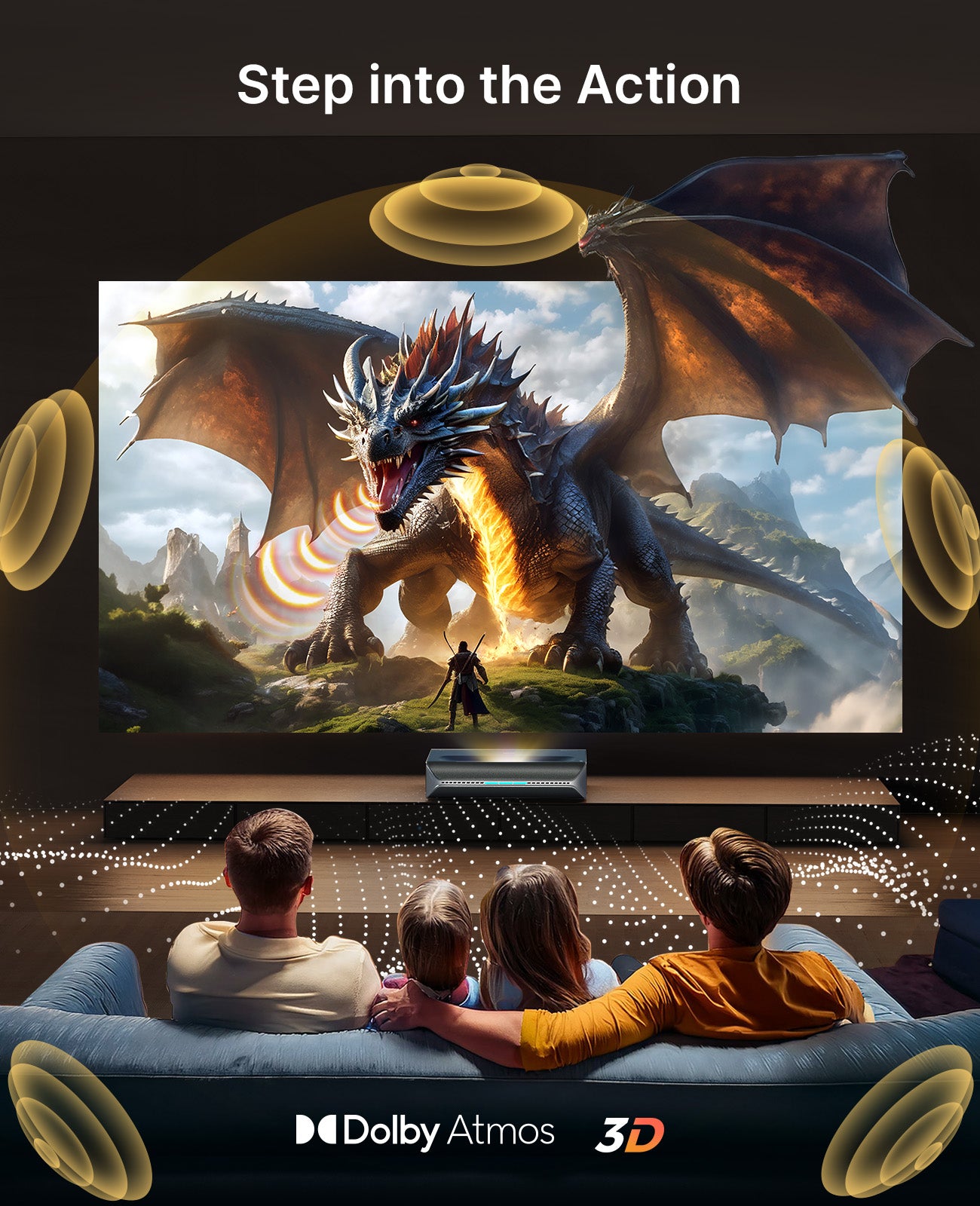
Be enveloped by rich audio with built-in 60 W speakers and Dolby Atmos support.


Seamless Entertainment
Optimized for Gamers
Enjoy 4.2 ~ 8 ms low latency for responsive gaming, MEMC technology for smooth motion, and Wi-Fi 6 for lightning-fast connectivity.
4.2 ~ 8 ms Latency
Indulge in a flawless, awe-inspiring gaming experience with ultra-low latency.

Active 3D
Discover New Depths
Dive into stunning 3D visuals that bring movies to life.


Explore More on
Aurora Pro MKII


Space-Saving Design
With an outstanding 0.233:1 throw ratio, this ultra-short throw projector is perfect for rooms of all sizes. It displays a stunning 150" display from just 1.44 ft away.


Comparison of
Aurora Pro MKII & Aurora Pro


| Model | Aurora Pro MKII | Aurora Pro |
|---|---|---|
| Resolution | 4K (3840 x 2160) | |
| Projection Tech | ALPD® 5.0 | ALPD® 4.0 |
| Scene Adapt Engine | Yes Dynamic Iris & Laser Dimming |
- Only Dynamic Laser Dimming |
| FoFo Contrast Ratio | 4,000:1 | 3,000:1 |
| Dynamic Laser Dimming Contrast | > 30,000:1 | > 6,000:1 |
| Throw Ratio | 0.21:1 | 0.233:1 |
| Lamp Life | 30,000 | 25,000 |
| Lumens | 2,400 | |
| Color Gamut | 107% BT.2020 | |
| Color Accuracy | △E≈1 | |
| Video Format | Dolby Vision / HDR10+ / HDR10 / HLG | |
| Latency | 4.2 - 8ms | |
| Speaker | 60W | |
| Audio Format | Dolby Atmos / DTS HD | |
| 3D | Yes | |
| MEMC | Yes | |
| 24P/50P Mode | Yes | |
| Projection Size | 80" to 150" | |
My Wishlist
Loding your saved items
Support
For further questions, feel free to contact NexiGo customer support.


