



Mini Meeting Camera
All-in-one conference camera with intelligent auto framing technology in a compact size.
Watch VideoHybrid Meetings Made Easier
One-cable connection, and no driver or maintenance required, launching an enterprise-quality video conference has never been so easier.
3-in-1 Conferece Camera
4K Camera4K Ultra HD with 8.5MP Sony Sensor
4-Mic ArrayMicrophone Frequency Response: 200Hz - 8KHz
Built-in SpeakerAudio Frequency Response: 48KHz
4K Resolution with 5X Digital Zoom
The 8.5MP Sony sensor provides sharper images, richer colors, and crisp details in 4K.
Advanced Audio Processing Technology
Built-in four omnidirectional microphones and a business-grade speaker enhance your conversations.
Gen 2 Auto Framing Technology
Automatically provides framing according to the number of people in the meetings.
Go-Anywhere Design
Take video conferencing on the go. Your future meeting is now portable with this unique design.
Room Solutions
Ideal for room setups such as personal workplaces, huddle rooms, hybrid workspaces, and conference rooms. This portable conferencing solution makes it easy to initiate meetings anytime, anywhere.
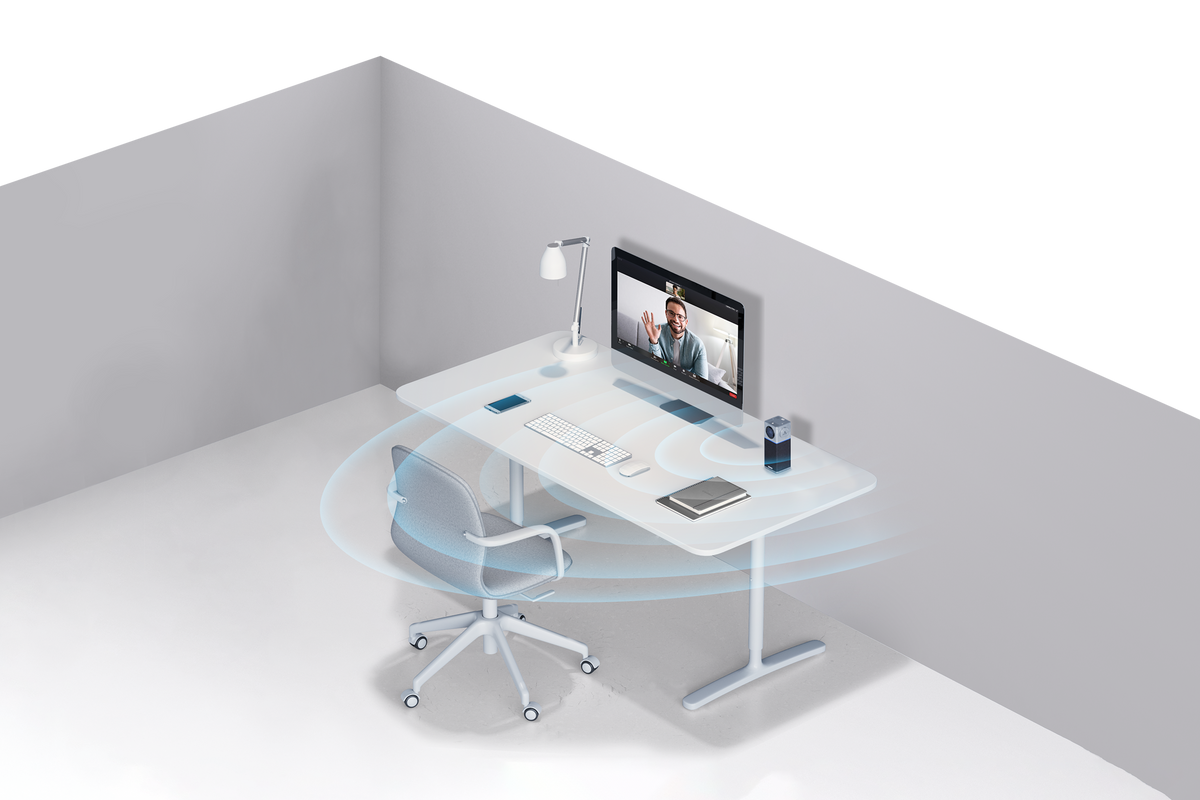

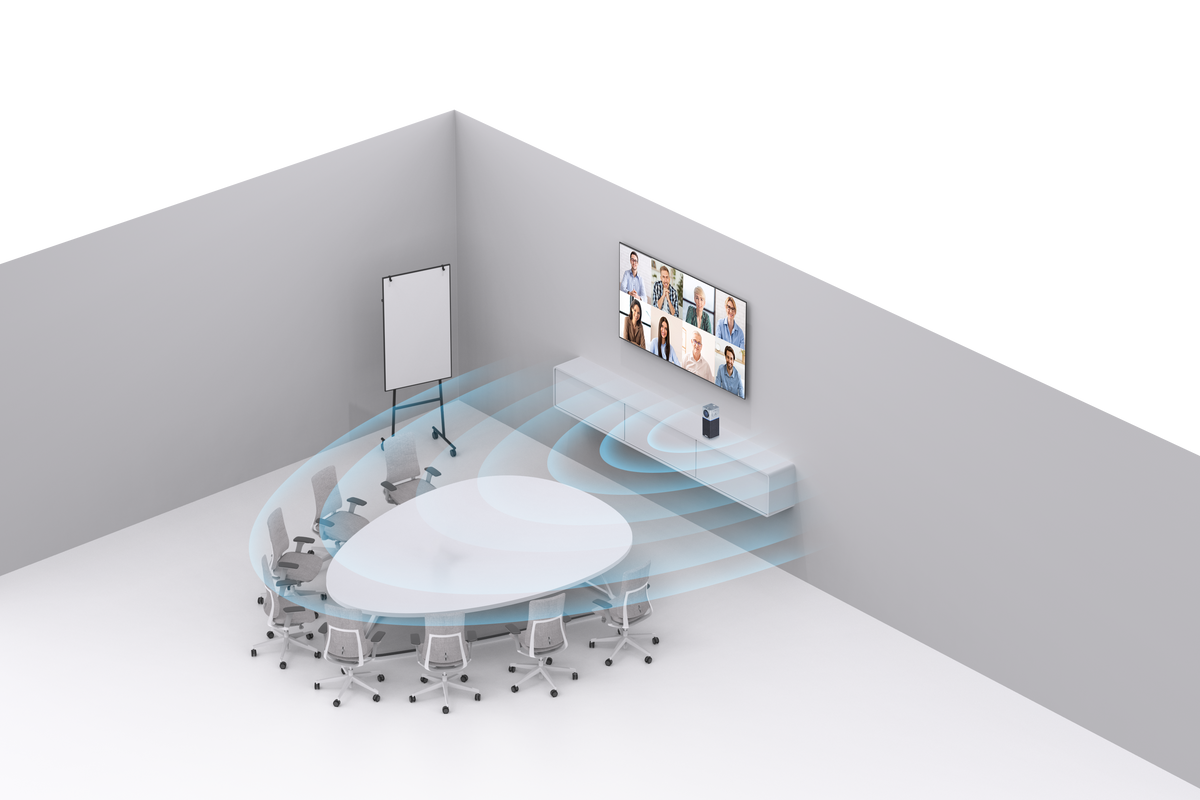


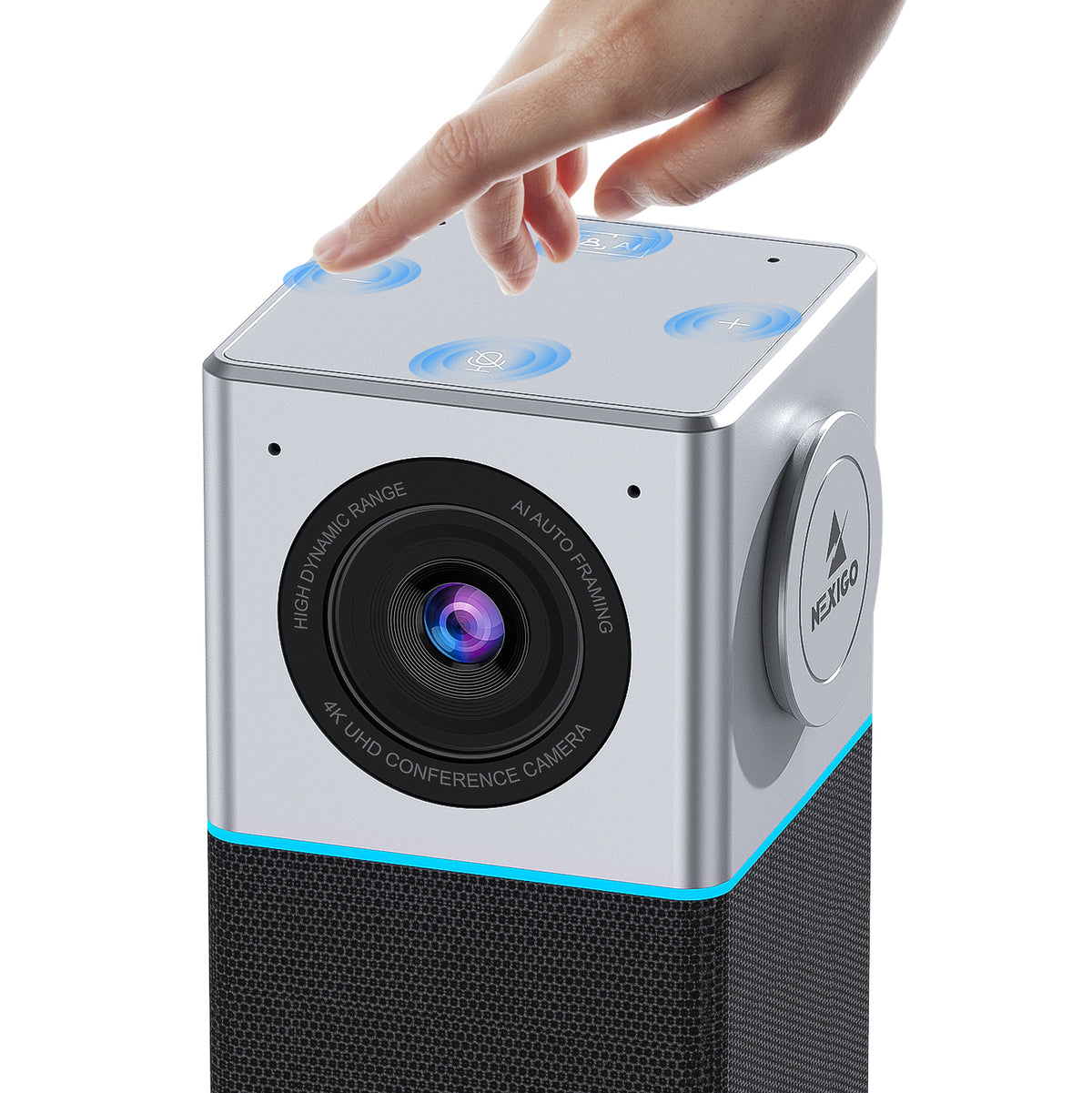
All-in-One Solution
The NexiGo Mini Meeting Camera features a 4K camera, 4-mic array, a full-duplex speaker, and advanced audio processing, using gen 2 auto framing technology to keep the video's focus centralized.
Physical Security Protection
Adopts a secure USB physical connection, no privacy can be invaded by anyone through the wireless Bluetooth and WiFi connection methods.
Magnetic Privacy Cover
Provides extra security and peace of mind with convenient magnectic attachment.
Convenient Touch Panel
Controls volume up/down or mute and turn on/off the auto framing feature with convenient touch control.
±15° Tiltable Lens
Featuring an adjustable lens allows for changing the vertical camera view by rotating the back wheel.
PC Requirements
| Windows PC | Requirements |
|---|---|
| Processor | Dual Core 2.5GHz at least for 1080P resolution;
Dual Core 3.2GHz or better at least for 4K Resolution |
| Memory | 4GB at least for 1080P resolution; 8GB at least for 4K Resolution |
| Graphic Card | 512MB Graphic Memory at least for 1080P resolution; 1GB Graphic Memory at least for 4K Resolution |
| iMac MacBook | Requirements |
|---|---|
| Processor | Dual Core 2.5GHz at least for 1080P resolution;
Dual Core 3.2GHz or better at least for 4K Resolution |
| Memory | 4GB at least for 1080P resolution; 8GB at least for 4K Resolution |
| Compatible Model | MacBook Pro 13" (2018 or later) with a BlackMagic Design eGPU or eGPU Pro; MacBook Pro 15" (2018 or later); MacBook Pro 16"; iMac Pro (2019 or later); Mac Pro (2019 or later) |
Note:
Video may not be synchronized with audio at 4K resolution due to the differences in Mac CPU performance. But this can be synchronized with OBS.


